Features
Built for players who like things their way.
Here is what Mavro does today. Planned features live on the roadmap.
Every version
Vanilla releases, snapshots and Fabric for any version, picked from one list.
Profiles
Separate setups for PvP, survival and modded, each with its own version, RAM and folder.
Modrinth built in
Search, install and update mods, resource packs and shaders without leaving Mavro.
Deep theming
Nine themes, any accent colour, backgrounds and layouts. Make it look the way you want.
Server browser
Live player counts and ping for your favourite servers, and add your own.
Performance page
Reads your PC's specs and suggests RAM and graphics settings that suit it.
Secure sign-in
Official Microsoft sign-in. Your password never touches Mavro.
3D skin preview
See your skin in 3D on the home screen and drag to spin it.
Discord linked
Link your account to get your roles in the Mavro Discord.
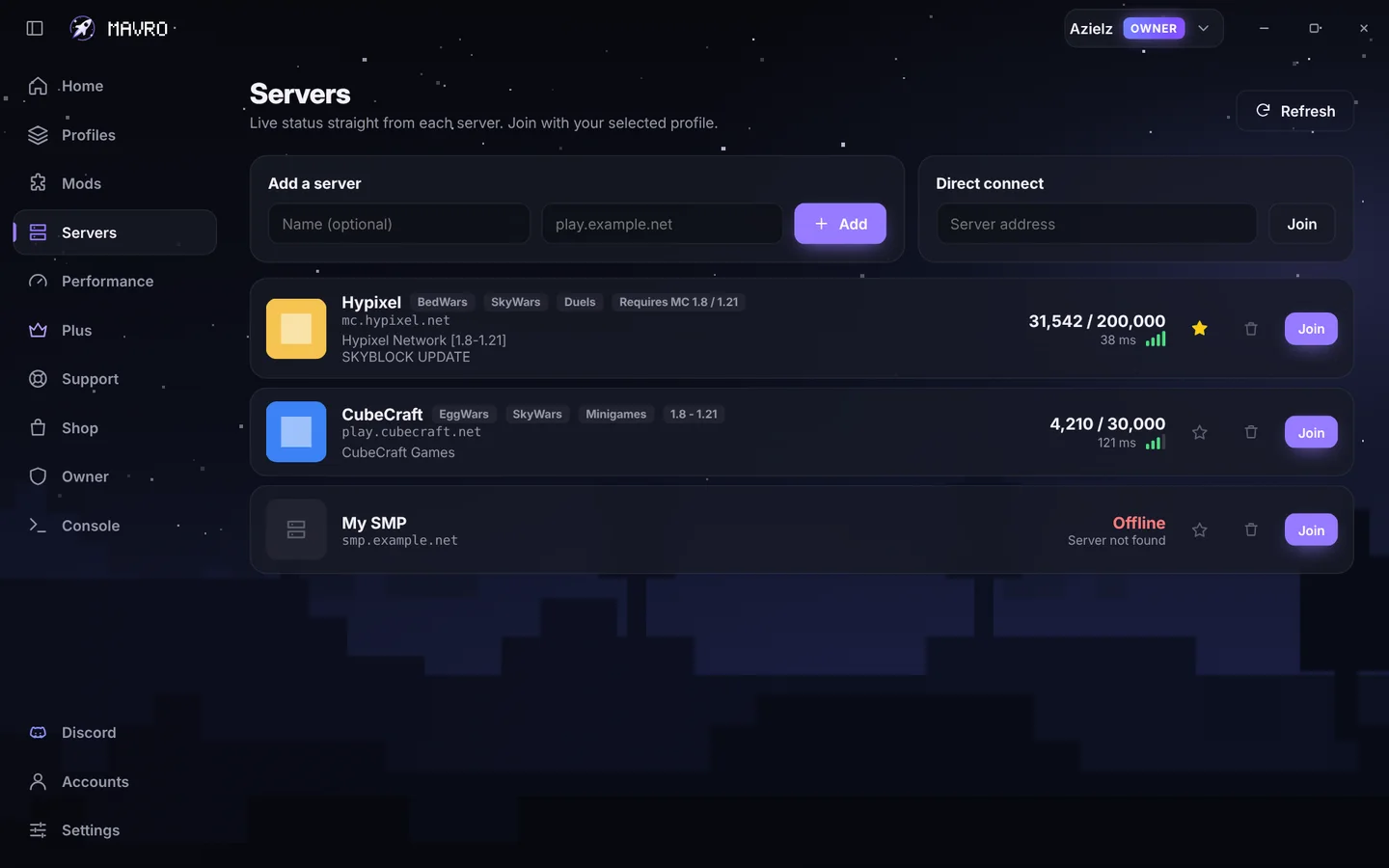
Server browser
Your servers, live.
- Live status with player counts, ping and server icons
- Favourites pinned to the top
- Add your own servers next to the popular ones
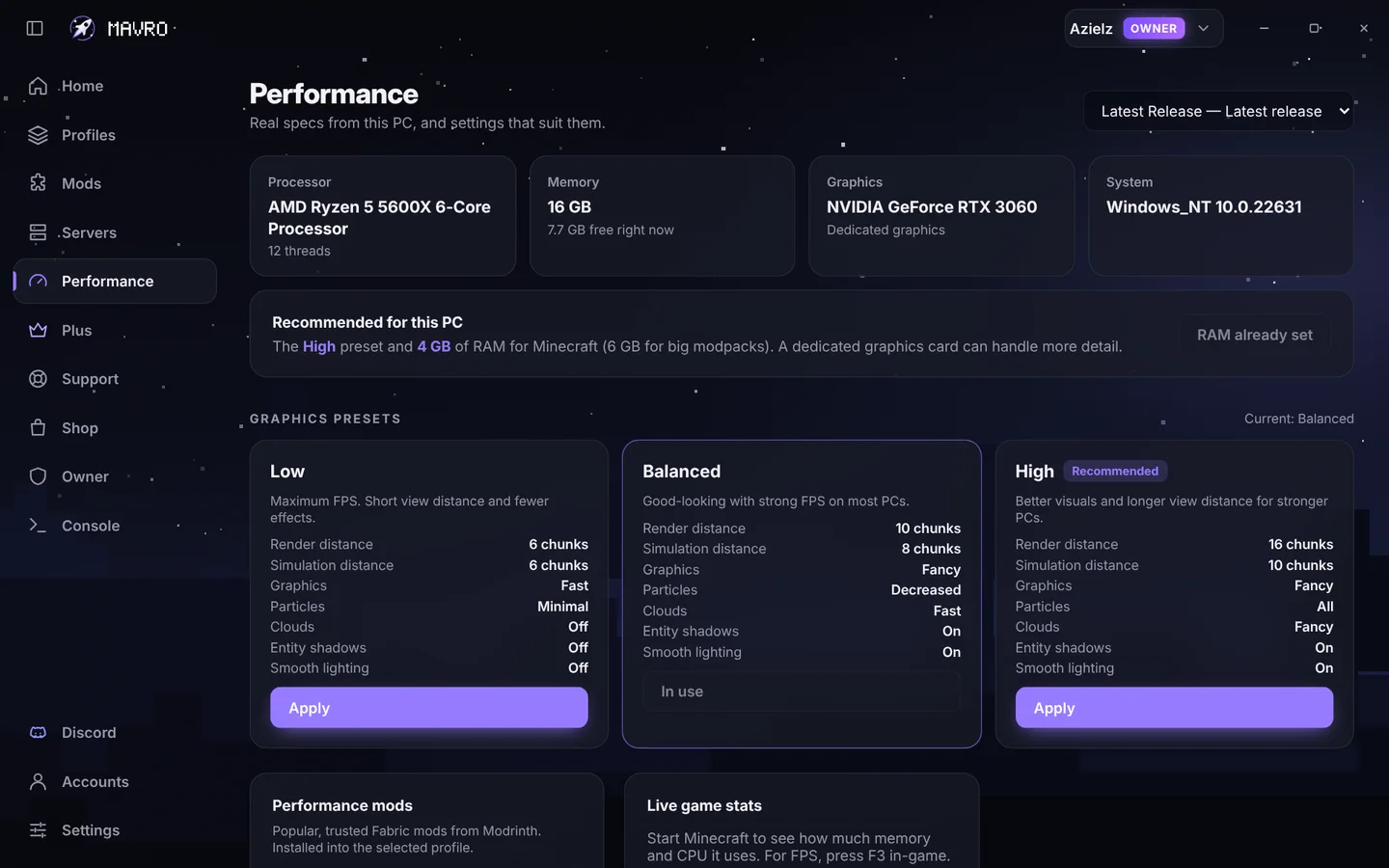
Performance
Smooth on your PC.
- Your real specs: processor, memory and graphics card
- RAM suggestion based on your hardware
- Low, Balanced and High graphics presets in one click
- Performance mods like Sodium installed for you
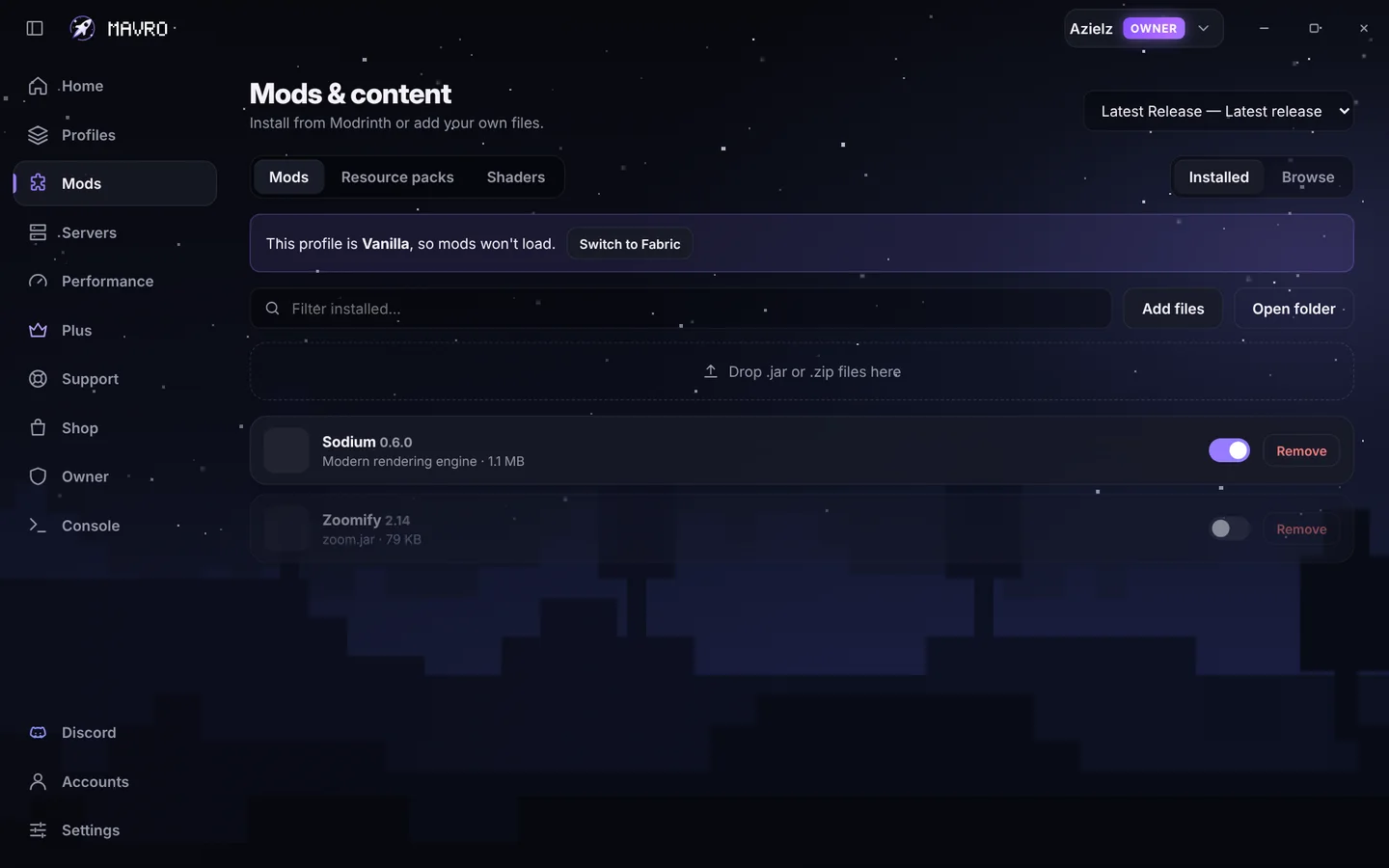
Mods & content
Mods, packs and shaders, sorted.
- Browse Modrinth and install in one click
- Turn mods on and off without deleting them
- Resource packs and shaders in their own tabs
- Drop in your own .jar and .zip files